Staying current with patches (or in IBM i terms – PTFs) is part of the foundation of a sound security practice. Many organizations have a regular cadence of applying fixes. But when that time comes, how do you know what needs to be applied? Rather than manually sift through the IBM website, IBM has provided several IBM i services to make the process easier.
Checking PTF Currency in ACS "Run SQL Scripts"
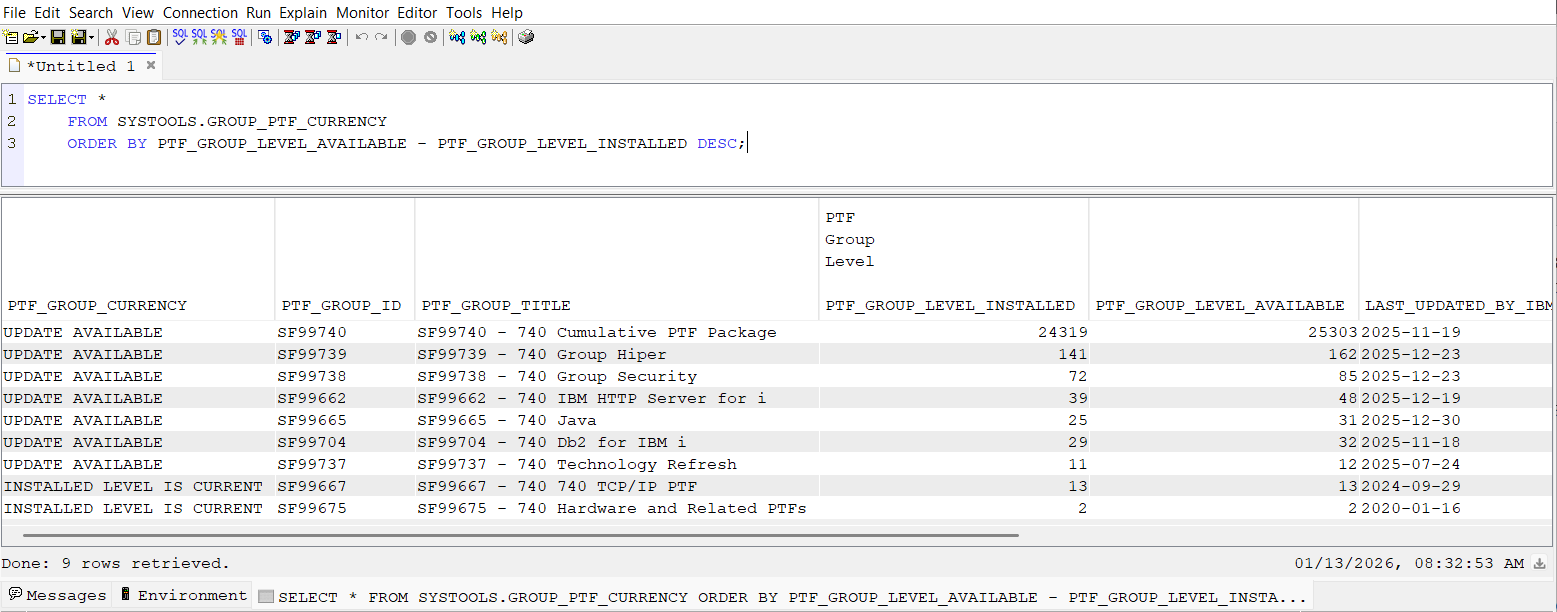
The following IBM i Service does a ‘phone home’ to IBM to find the most recent PTFs and compares that list to what’s installed.
SELECT *
FROM SYSTOOLS.GROUP_PTF_CURRENCY
ORDER BY PTF_GROUP_LEVEL_AVAILABLE - PTF_GROUP_LEVEL_INSTALLED DESC;
Requirements
These SQL functions from IBM need to connect to IBM web services to do their work. Therefore, all of these system-related "currency" functions require your system to have internet access with the ability to make an outbound connection to IBM. In addition, the user executing the SQL query must have proper authority to the underlying system commands use by the SQL function.
Other OS Currency Checks
Unfortunately, there is an occasional defective PTF, so another service has been created that looks at defective PTFs and shows whether the replacement (corrective) PTF needs to be applied. (In this case, you want an empty list which indicates there are no defective PTFs applied or all defective PTFs have been resolved (the corrective PTF has been applied.)
SELECT *
FROM SYSTOOLS.DEFECTIVE_PTF_CURRENCY;
You can even determine your firmware levels
SELECT *
FROM SYSTOOLS.FIRMWARE_CURRENCY;
IBM has provided us with several sample SQL scripts related to PTF and OS currency in ACS:
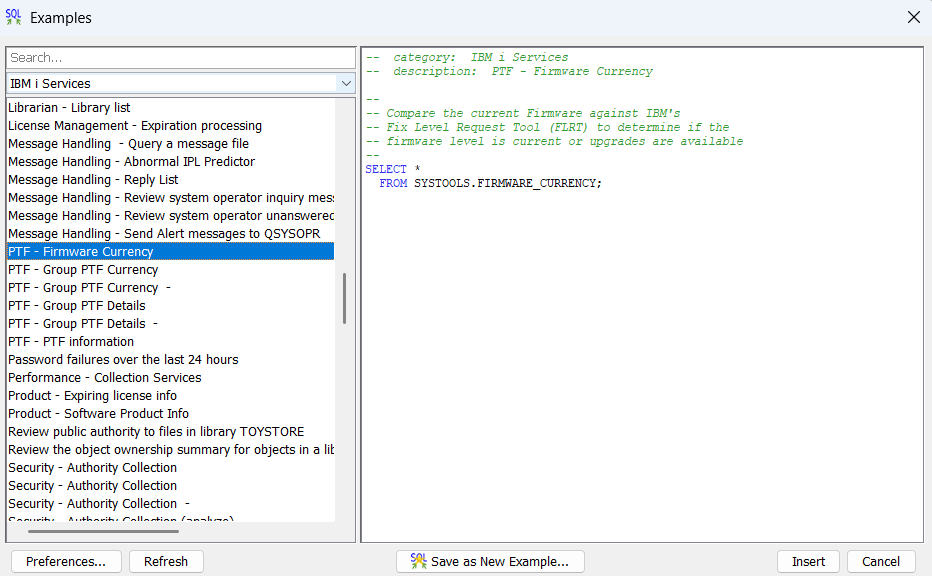
Several other PTF-related services are also available including the ability to display PTF cover letters. All IBM i Services (including the PTF services) are listed on the IBM i Services Support page found here. Click on the name of the service for more information / details about the service.
Finally, IBM periodically issues critical fixes – fixes that you’ll want to be aware of right away so that they can be installed as soon as possible. The process for signing up for these alerts can be found here.
Our iEventMonitor product can automatically run these queries for you and issue an alert when new PTFs, defective PTFs or Firmware updates are detected.
Contributed by:
Carol Woodbury
IBM i Security SME
Kisco Systems
RELATED POSTS
BROWSE KISCO U
PRODUCT CONTENT

