Renewing a certificate
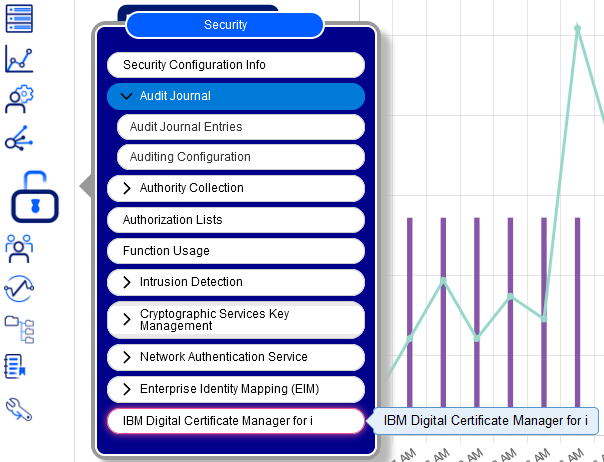
- Start the Digital Certificate Manager server
- Choose "Renew certificate" in the "Manage certificates" menu
- Select the certificate you need to renew from the list and select the "Renew" button
- Since these are self-issued certificates, select "Local Certificate Authority (CA)" and press "Continue"
- Complete the values for the new certificate and press "Continue"
- Select the application(s) you want to use with certificate
We recommend viewing the new certificate to verify the new expiration date. If it was not extended there may be a different issue. It is possible that your Local CA has expired if this happens. Here is a link to a procedure from IBM for renewing your Local CA.

