Monitoring policy drift is a critical component of maintaining ongoing secure operations. Policy drift happens naturally when changes that violate security policy go undetected in the system configuration. Our iSecMap software detects these changes, alerts admins and provides change management capabilities to tie changes to requests, preserving a "paper trail" for auditors.
Let's walk through an example…
In this example, a user has create a new QAUDJRN datamart in a new library.
iSecMap detects when new libraries are added to the system. The change appears in the audit Library Audit module:
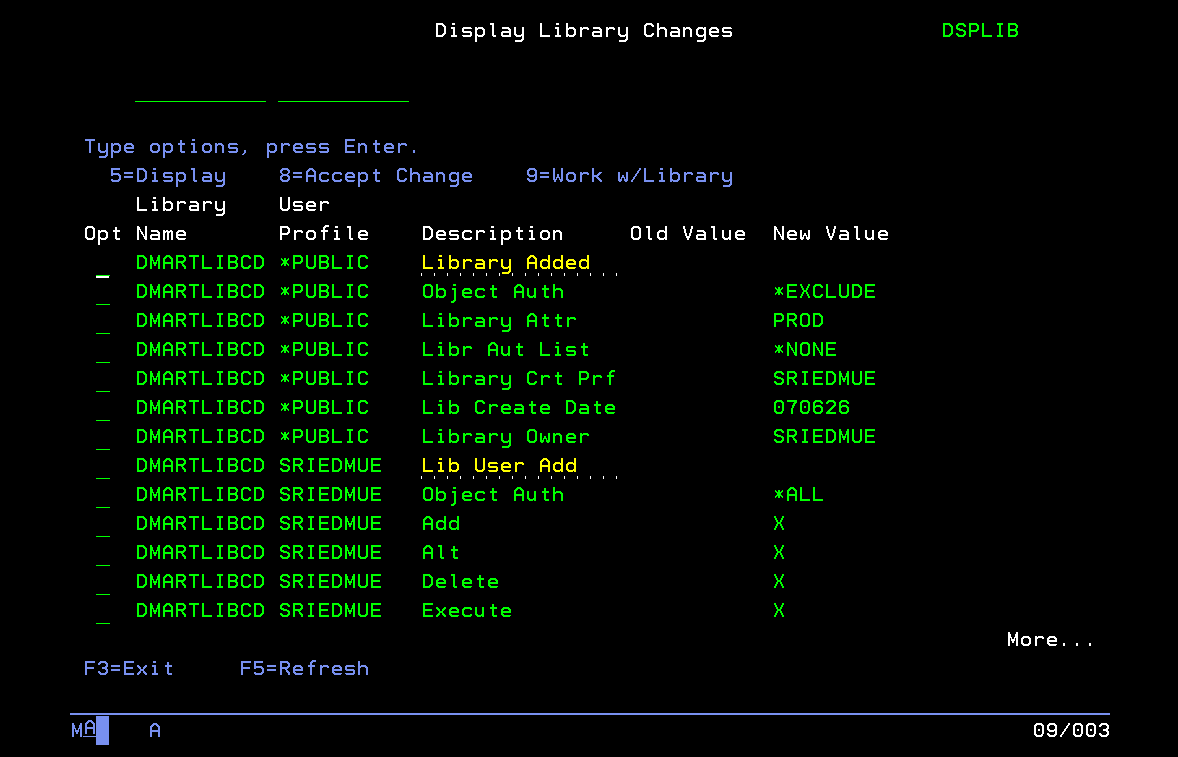
To see the details, run option 5 against the parent-level record for the change:
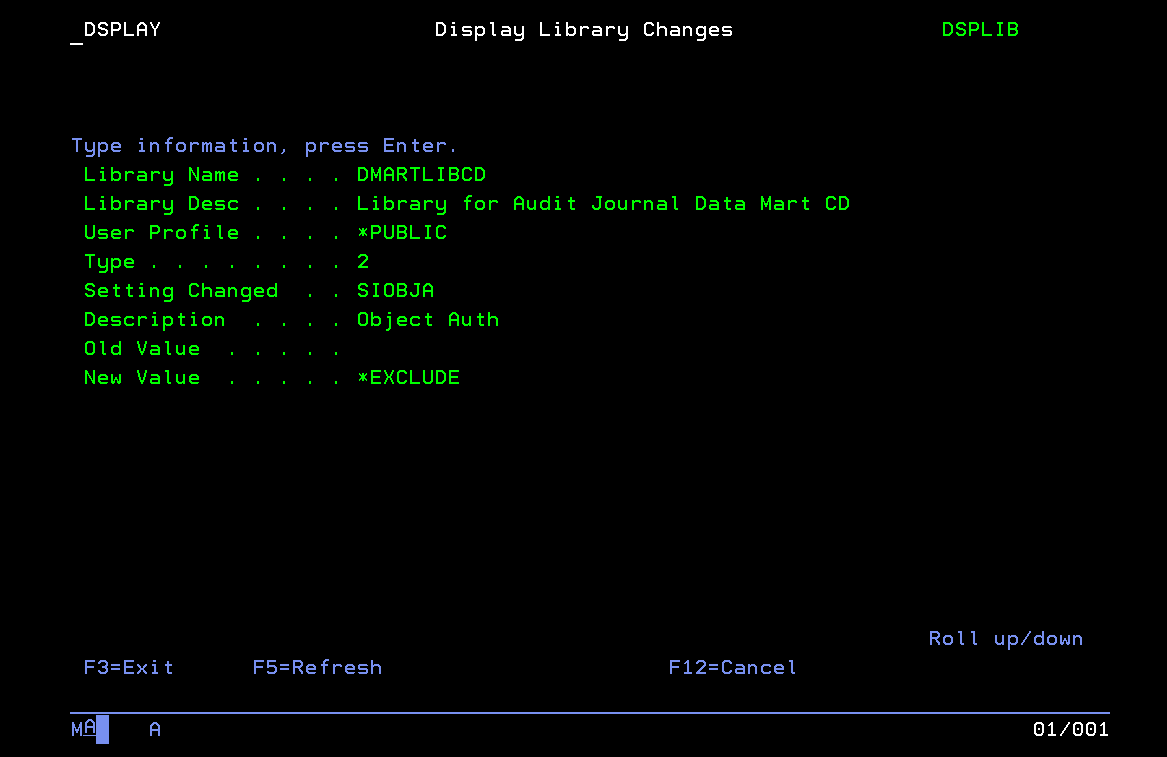
In this example, this is an approved policy change related to an authorize security configuration change. Use option 8 in the audit report list to accept (or reject) the change:
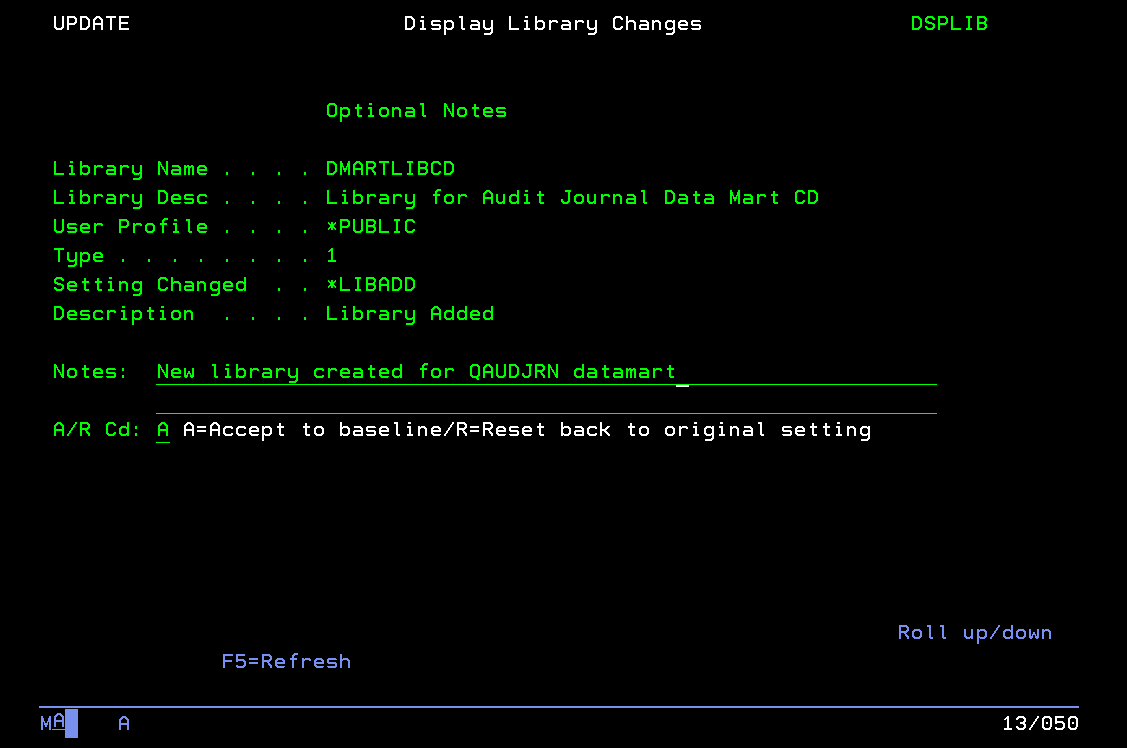
You can see we've used iSecMap's "notes" field to enter details about why this change was accepted. This is important information for historical record keeping and for auditors. You might also use this field to record a ticket number or a change request ID. This keeps your IBM i configuration changes connected to the original request, preserving continuity.
The accepted change appears in the iSecMap security activity log:
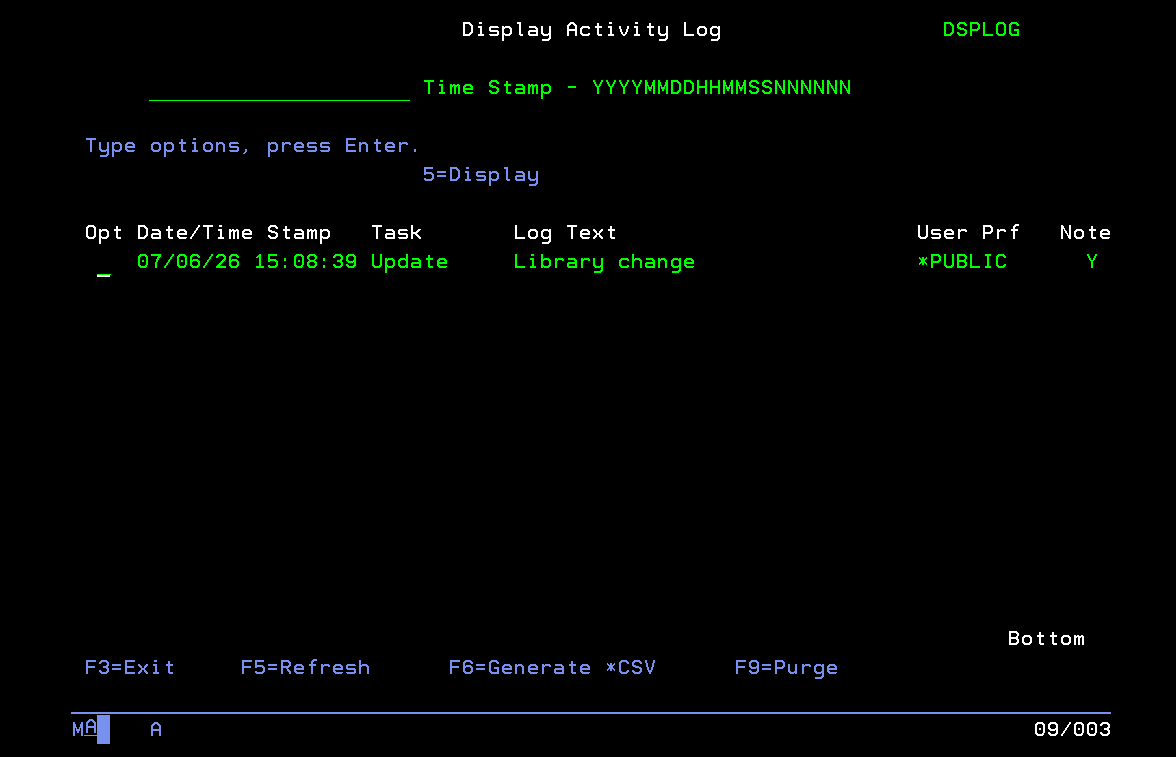
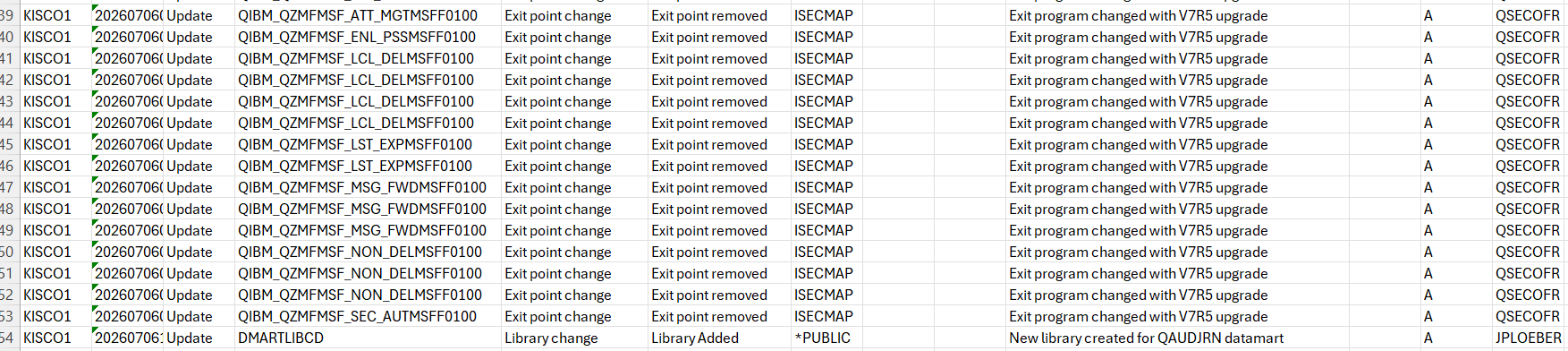
The change also appears in the detailed activity log management report that is exported to CSV format for use by admins, security team members, and auditors:
These change management features are available from iSecMap version 3.08 and newer.
RELATED POSTS
BROWSE KISCO U
PRODUCT CONTENT

